How to post a picture on a message board
First, you have to upload your .jpg/.gif file to the internet.
Find a place where you can create a free photo album or website.
some hosts :
http://www.webjump.com/
http://www.fortunecity.com/
http://www.hypermart.net/
http://www.virtualave.net/
http://www.stormloader.com/
http://www.freeservers.com/
http://www.forfree.at/
http://www.nedhosting.com/
http://www.nettaxi.com/
Your ISP might offer free webspace as well.
Once you figured out how to upload pictures from your harddrive to your new account, open the image that`s in your online photo folder in it`s own window. your browser now shows the picture`s URL (internet address), e.g. http://noway.itgo.com/truth1.jpg .
Then you edit this URL by adding the so called HTML tags: <_img src=" at the beginning of the URL and "_> at the end.
Looks like this: <_img src="http://noway.itgo.com/truth1.jpg"_> (remove _!).
The result: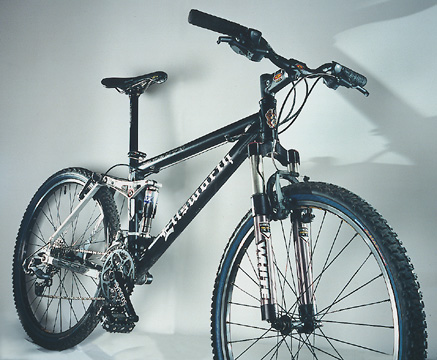
How to add smileys to your forum messages
Find a Smiley website in the net
( e.g. http://www.smilecwm.com ) , choose one and copy/paste the attatched URL in your message. Simple like that.
Just make sure the URL uses those <_img src="..."_> tags ( see above ), for some reason [IMG]...[/IMG] won`t work on my website. Replace [/IMG] with <_img src=" and [/IMG] with "_> and it will show up.
example:
[IMG]http://cwm.ragesofsanity.com/otn/puke/barfy.gif[/IMG] change to
<_img src="http://cwm.ragesofsanity.com/otn/puke/barfy.gif"_>
et voila: 
How to tweak your forum messages
Simply add HTML tags to your text, you may have spaces between the words, but not between the tags and the first/last words.
Bold text: <_b>text<_/b> = text
Italic text: <_i>text<_/i> = text
Increase letter size: <_h1>text here<_/h1> =
text here


